Video Conferencing Systems in Los Angeles, CA for Teams, Zoom & Hybrid Meetings
Video conferencing room systems that make hybrid meetings feel like everyone is in the room. We install video bars and room cameras, microphones and speakers, touch consoles and scheduling displays, connect them to a reliable wired network, and test every room with a live call on your platform.
Rolling out Teams Rooms, Zoom Rooms or BYOD rooms? Call (562) 245-4723 for a room walk and itemized quote.
Request a quoteVideo Conferencing System Services
A video conferencing room has one job: let people in the room and people at home see and hear each other clearly, with no fiddling at the start of the call. Our technicians choose, install and test the room system around your meeting platform, room size and network, and work with your IT team to get each room signed in and ready.
Microsoft Teams Rooms Setup
Teams Rooms • Touch Console • One-Touch Join
Teams-compatible room systems installed with a touch console, camera and audio, then signed in to your Teams account with your IT team.
Zoom Rooms Setup
Zoom Rooms • Controller • Scheduling
Zoom Rooms hardware installed with a touch controller and scheduling display, ready for one-touch meetings on your Zoom account.
BYOD Video Conferencing Rooms
Bring Your Own Device • USB-C • Any Platform
Rooms where users connect a laptop with one cable to use the room camera, microphones and speakers on any meeting platform.
Video Bars & All-in-One Systems
Video Bars • Built-In Mics • Built-In Speakers
All-in-one video bars that combine camera, microphones and speakers, ideal for huddle rooms and small conference rooms.
PTZ & Auto-Framing Cameras
PTZ • Speaker Tracking • Auto-Framing
PTZ and intelligent cameras that frame the group or follow the active speaker in larger rooms and boardrooms.
Network Readiness for Video Meetings
Wired Cat6 • PoE • Bandwidth • QoS
Certified wired connections, PoE and network checks so video calls stay smooth instead of freezing over Wi-Fi.
Video Conferencing Equipment We Install in Los Angeles
- Teams Rooms Systems
- Zoom Rooms Systems
- Room Compute Units
- Video Bars
- PTZ Cameras
- Auto-Framing Cameras
- Ceiling Microphone Arrays
- Table Microphones
- Ceiling Speakers
- Touch Consoles
- Room Scheduling Displays
- USB-C BYOD Connections
- Content Sharing Inputs
- Wireless Presentation
- PoE Network Drops
- Display Connections
The first decision is how meetings will start. Native rooms run Microsoft Teams Rooms or Zoom Rooms on dedicated hardware, so anyone can join with one tap on the room console. BYOD rooms let users plug in a laptop with a single USB-C cable and use the room’s camera, microphones and speakers on whatever platform they need. Many offices use both, with native rooms for staff and BYOD inputs for guests.
The second is the network. Video calls need a stable, wired connection, so we install certified Cat6 drops and PoE for room systems, consoles and cameras, and work with your IT team on bandwidth and traffic priority so video and audio stay smooth even when the network is busy.
| Room approach | How meetings start | Best for | What we install |
|---|---|---|---|
| Microsoft Teams Room | One tap on the room touch console | Organizations standardized on Teams | Teams-compatible room system or video bar, console, camera, audio |
| Zoom Room | One tap on the room controller | Organizations standardized on Zoom | Zoom Rooms hardware, controller, camera, audio |
| BYOD room | User connects a laptop with one cable | Visitors and mixed platforms | USB video bar or camera and audio hub, display, table connection |
| Hybrid room | Native one-tap join or laptop connection | Rooms that host both staff and guests | Native room system with a BYOD input |
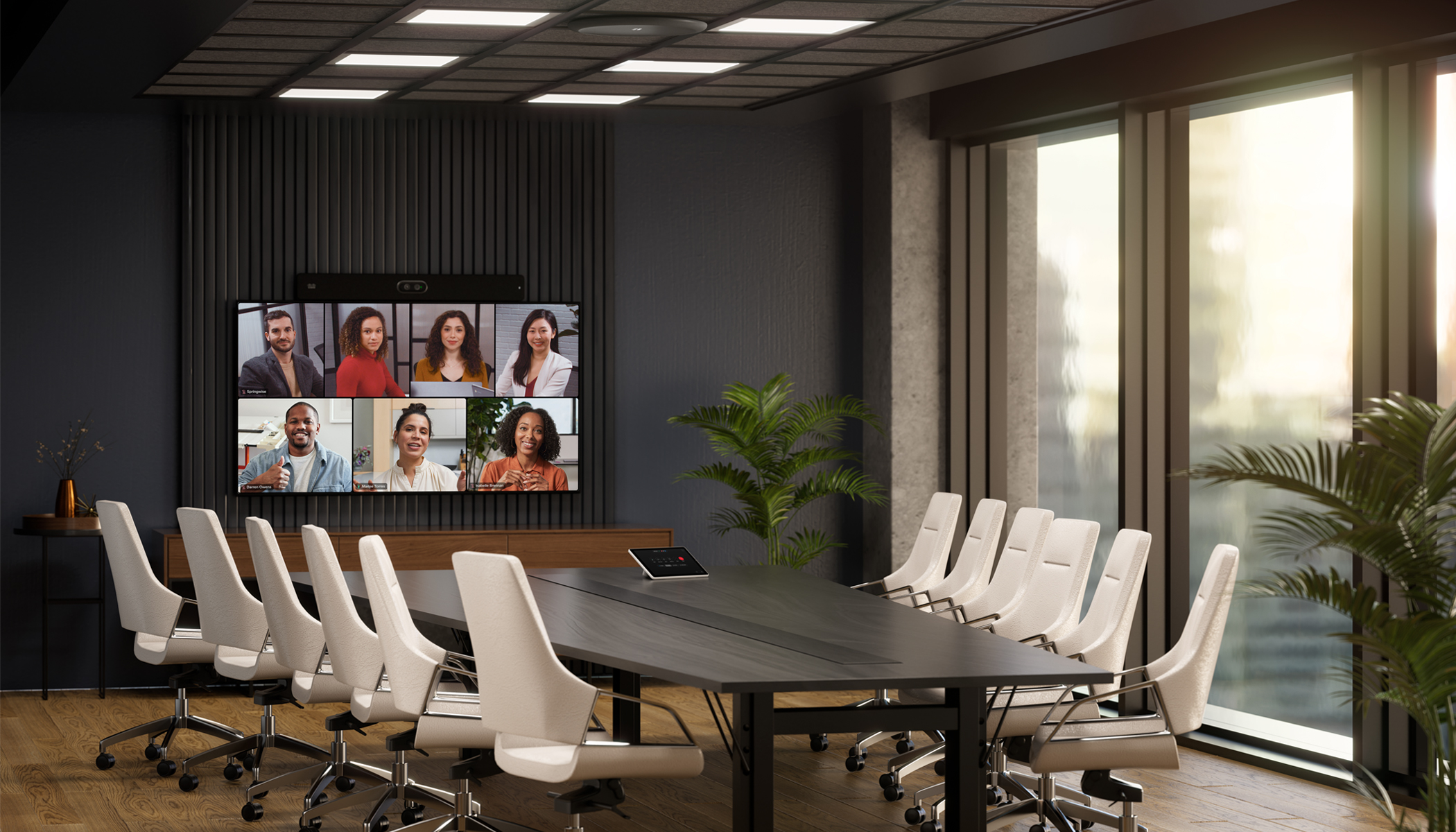
Video Conferencing for Commercial Facilities in LA
- Offices
- Warehouses
- Schools
- Medical Facilities
- Retail
- Industrial Facilities
- Commercial Buildings
We install video conferencing in occupied offices and new construction alike, and we take on a single room as readily as a company-wide rollout. Work is scheduled around room bookings and after hours so your business keeps operating. Typical video conferencing jobs around the city include:
Law and accounting firms standardizing every meeting room on Microsoft Teams Rooms with one-touch join.
Production companies running Zoom Rooms for daily calls with remote crews and partners.
Tech offices where teams plug in a laptop and use the room video bar on whatever platform the meeting needs.
Board meetings with PTZ cameras, ceiling microphones and both native and laptop connections for guests.
Video Conferencing Problems We Solve for IT Managers in Los Angeles
Hunting for cables and settings wastes time. We set up one-touch join or one-cable BYOD so meetings start instantly.
Rooms on Wi-Fi drop frames. We wire every room system on certified Cat6 and check bandwidth with your IT team.
Laptop mics don’t cover a table. We install room microphones and tune them for every seat.
Native rooms tied to one platform frustrate visitors. We add BYOD inputs so any meeting can use the room.
Our Video Conferencing Installation Process for Our Los Angeles Customers
- Room and platform review
We walk each room and confirm your meeting platform, room sizes, seating and network setup.
- System design and quote
You receive a room-by-room design with the room approach, camera, audio and network needs, plus an itemized scope.
- Network and cabling
Certified Cat6 drops, PoE and AV cabling are installed for every room system, camera and console.
- System installation
Video bars or room systems, cameras, microphones, speakers, consoles and scheduling displays are installed.
- Platform setup
Working with your IT team, each room is signed in to your Teams or Zoom account and tuned for camera and audio.
- Live call testing and handoff
Every room is tested with a real call, and you receive room diagrams and a one-page guide for users.
Video Conferencing System Testing & Certification
Every room is tested on your platform with a live call. We certify the network drops, confirm the room system connects reliably, then check camera framing, microphone pickup from every seat, speaker volume, echo cancellation, content sharing and one-touch or one-cable join before the room goes into service.
Results are delivered as PDF files with room diagrams and equipment lists, which makes support and future upgrades simple.
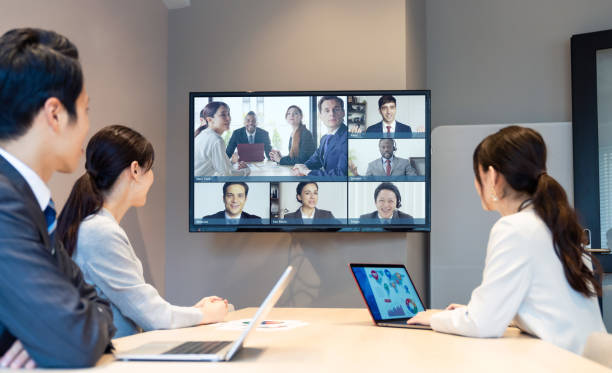
Video Conferencing Service Area in Southern California
Our office on West Olympic Boulevard puts our crews minutes from the Westside and a short drive to Hollywood, Downtown LA and the South Bay. We install video conferencing systems throughout the city and these nearby cities:
Request a Video Conferencing Quote
Send us the address, the number of rooms and their sizes, your meeting platform, and whether you want native, BYOD or hybrid rooms. Room photos help. We’ll schedule a room walk and follow up with a room-by-room design and itemized scope.
We hold a California C-7 state license issued by the Contractors State License Board in Sacramento (CSLB #[NUMBER]).
Los Angeles Telecom Techs11340 W Olympic Blvd, Los Angeles, CA 90064
Tel: (562) 245-4723
Email: [email protected]
Get video meeting rooms that start on time and sound great.
Request a quote